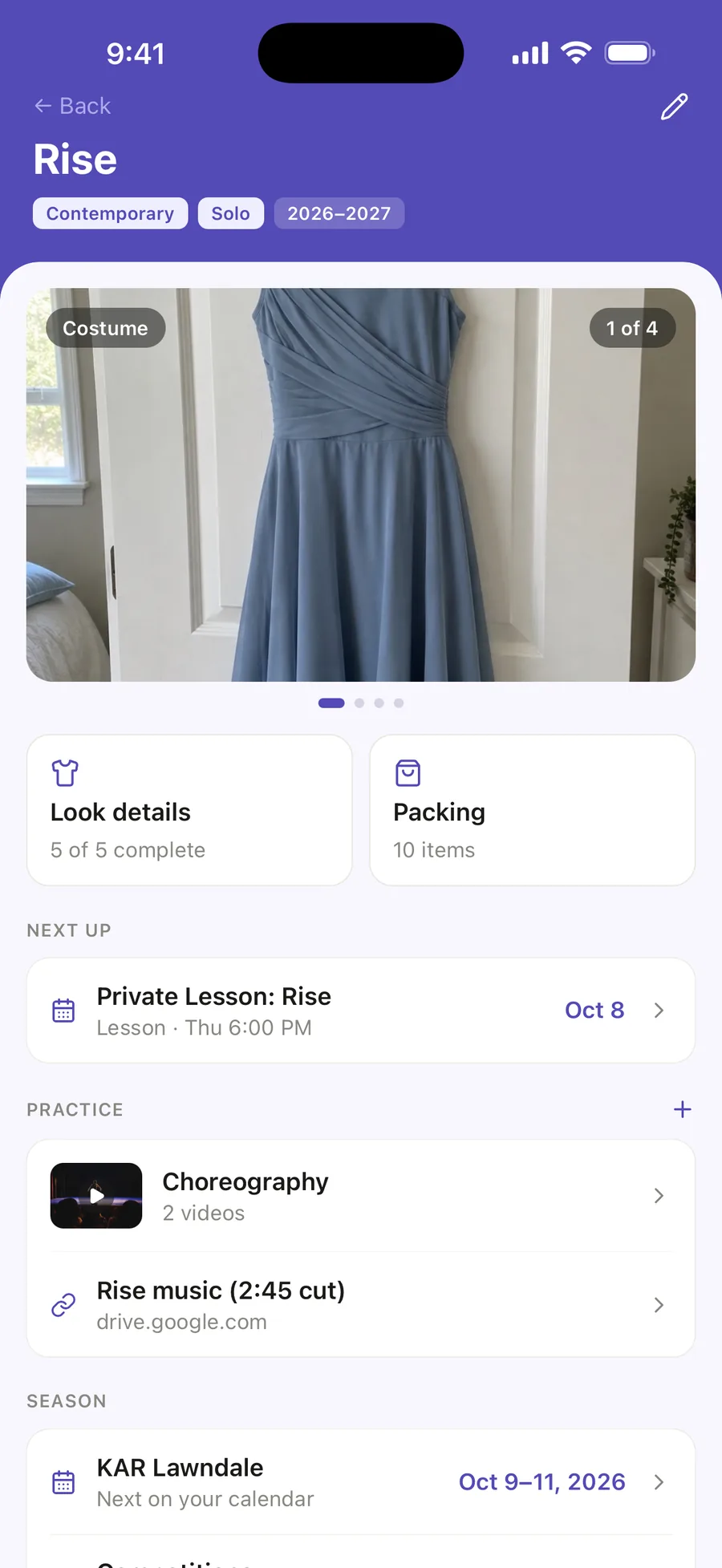
Open the routine to find the choreography, the music, and the next class preparing for it.
DANCE ROUTINE ORGANIZER
Everything for every routine, together.
Keep the look, packing, rehearsals, choreography, music, competitions, results, and memories connected to the routine they belong to.
Every routine in one list Season by season Works across multiple dancers
THE COMPLETE LOOK
Five details. One competition-ready look.
Save the costume, hair, makeup, shoes, and accessories, each with what it needs and up to three photos. The look follows the routine to competition day and into the packing checklist.
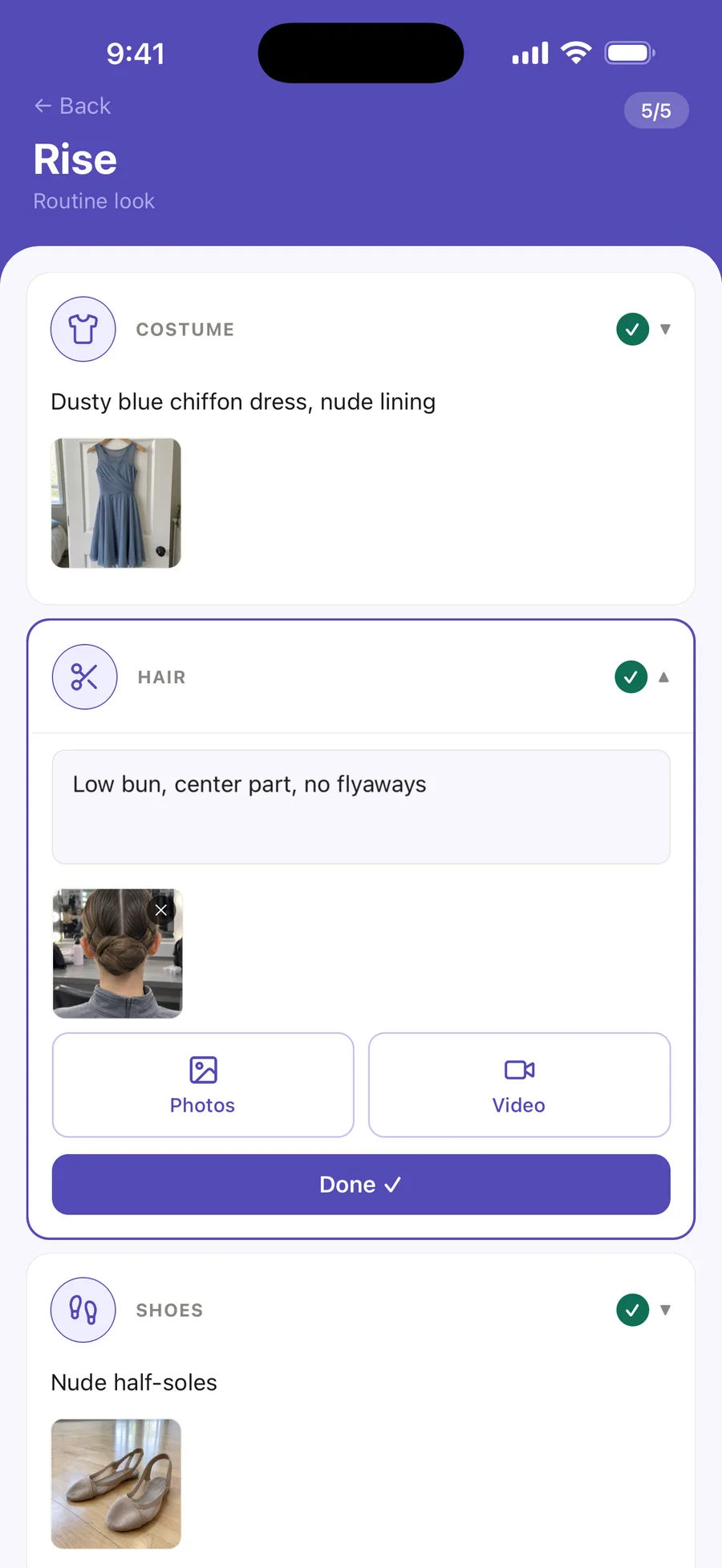
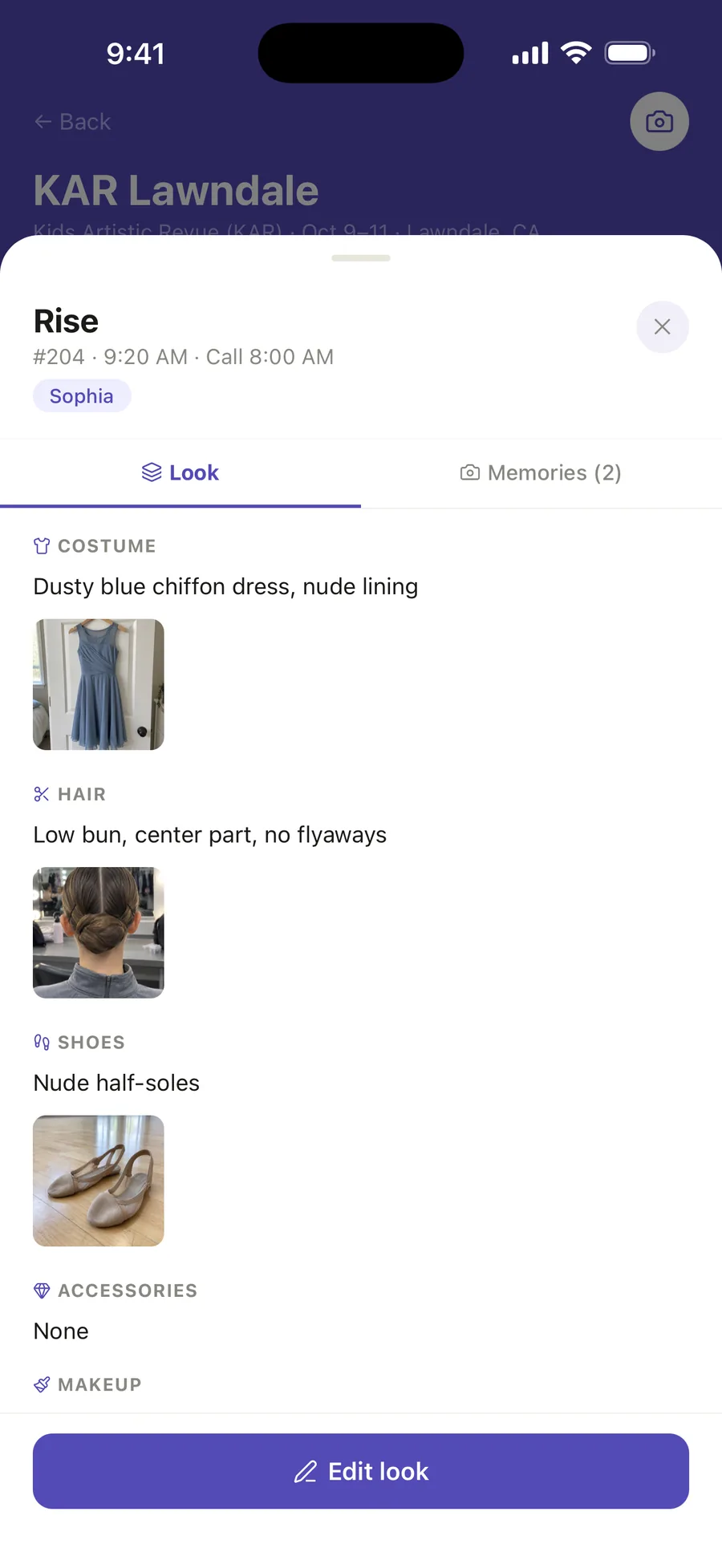
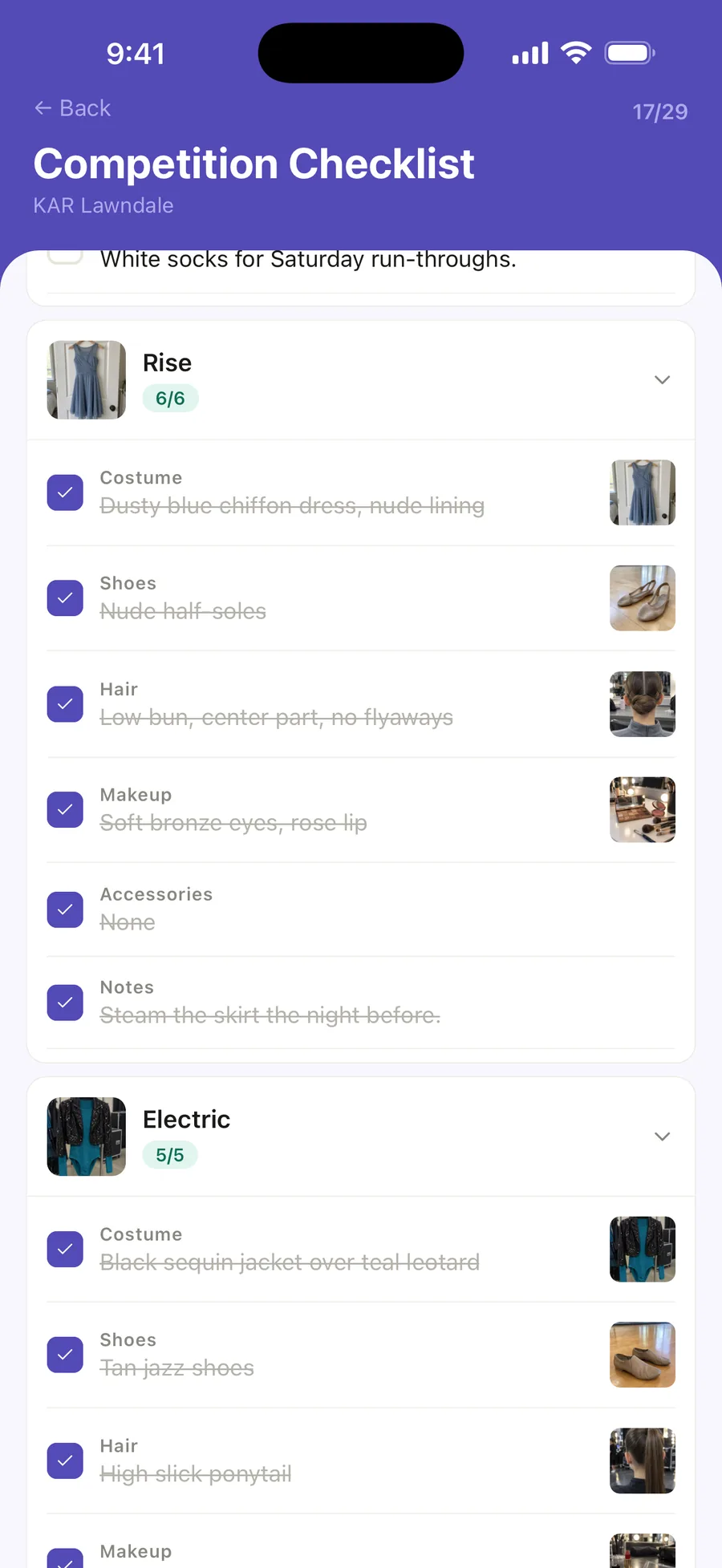
Scroll to see all three.
PRACTICE
Choreography videos and the music, kept with the routine.
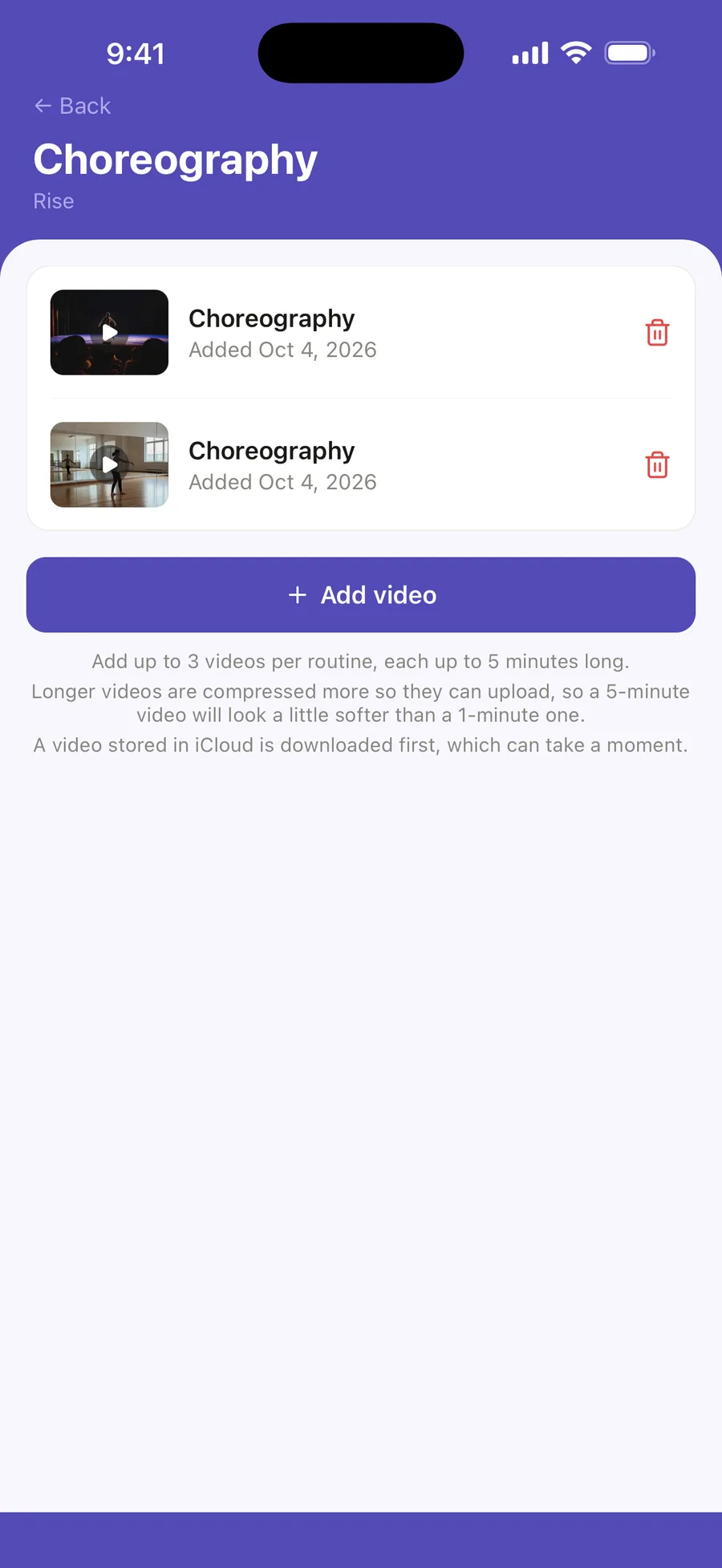
Keep the choreography videos your dancer practises from, and links to the music, on the routine they belong to—not lost in a group chat.
- Up to 3 choreography videos per routine, each up to 5 minutes (Ovation Pro)
- Links to the music, or anything else on the web, free on every plan
- A rehearsal linked to the routine shows its choreography videos too
SYNC FROM COMPETITIONS
Routines don’t have to be typed in twice.
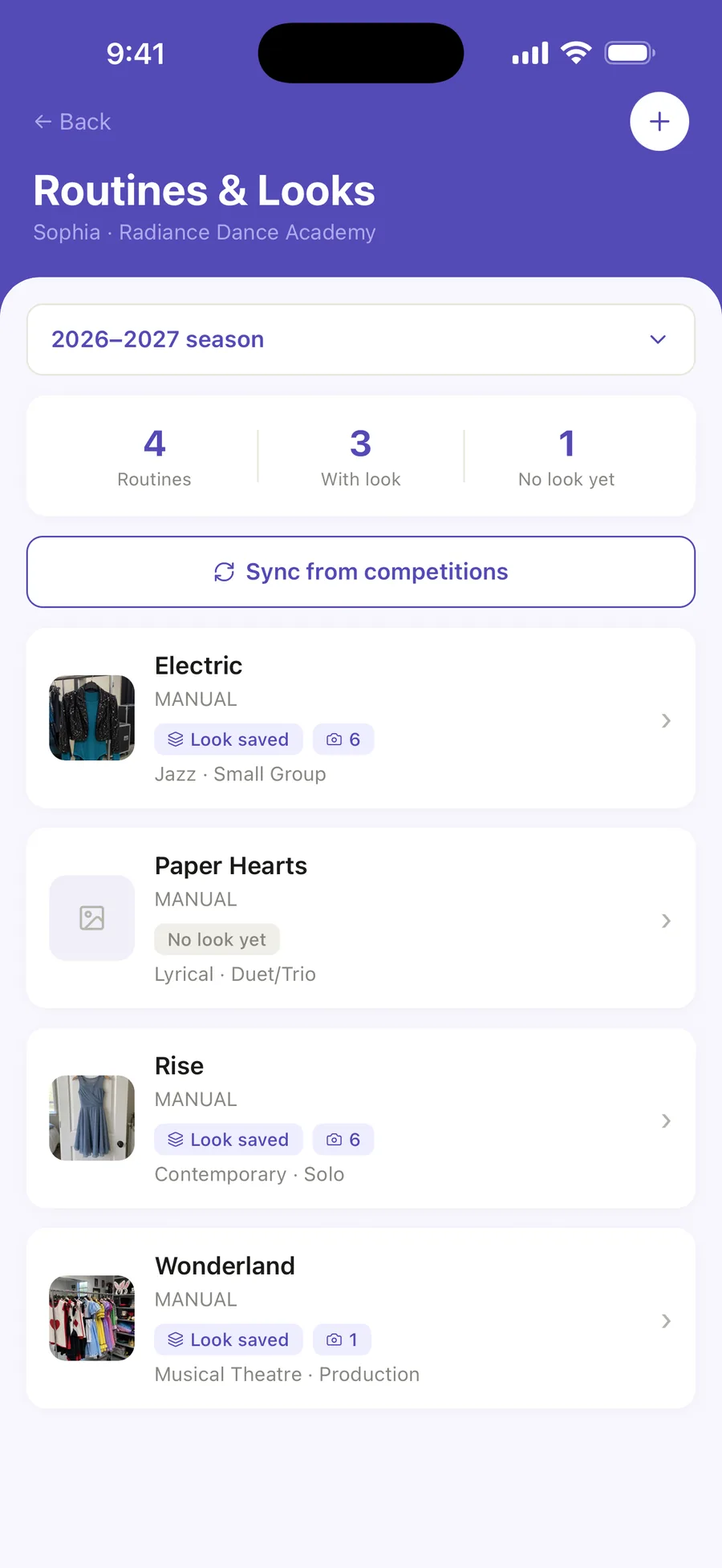
When a competition is already in Ovation, its routines can be synced across instead of entered again by hand—so the list starts from the entries a parent already added.
Each season keeps its own list, and routines that already have a saved look are marked, so it is obvious which ones still need one.
THE SCHEDULE KNOWS THE ROUTINE
The routine knows its next rehearsal.
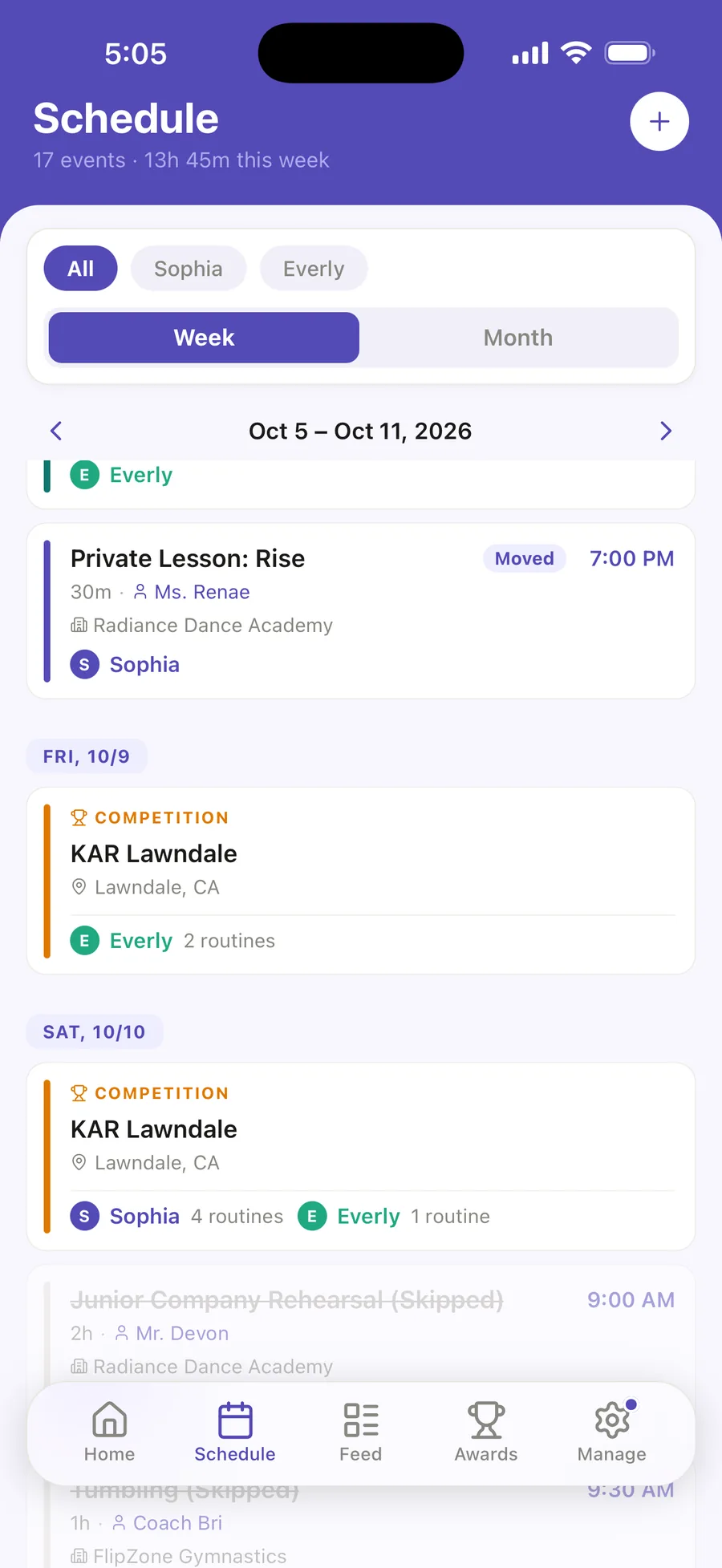
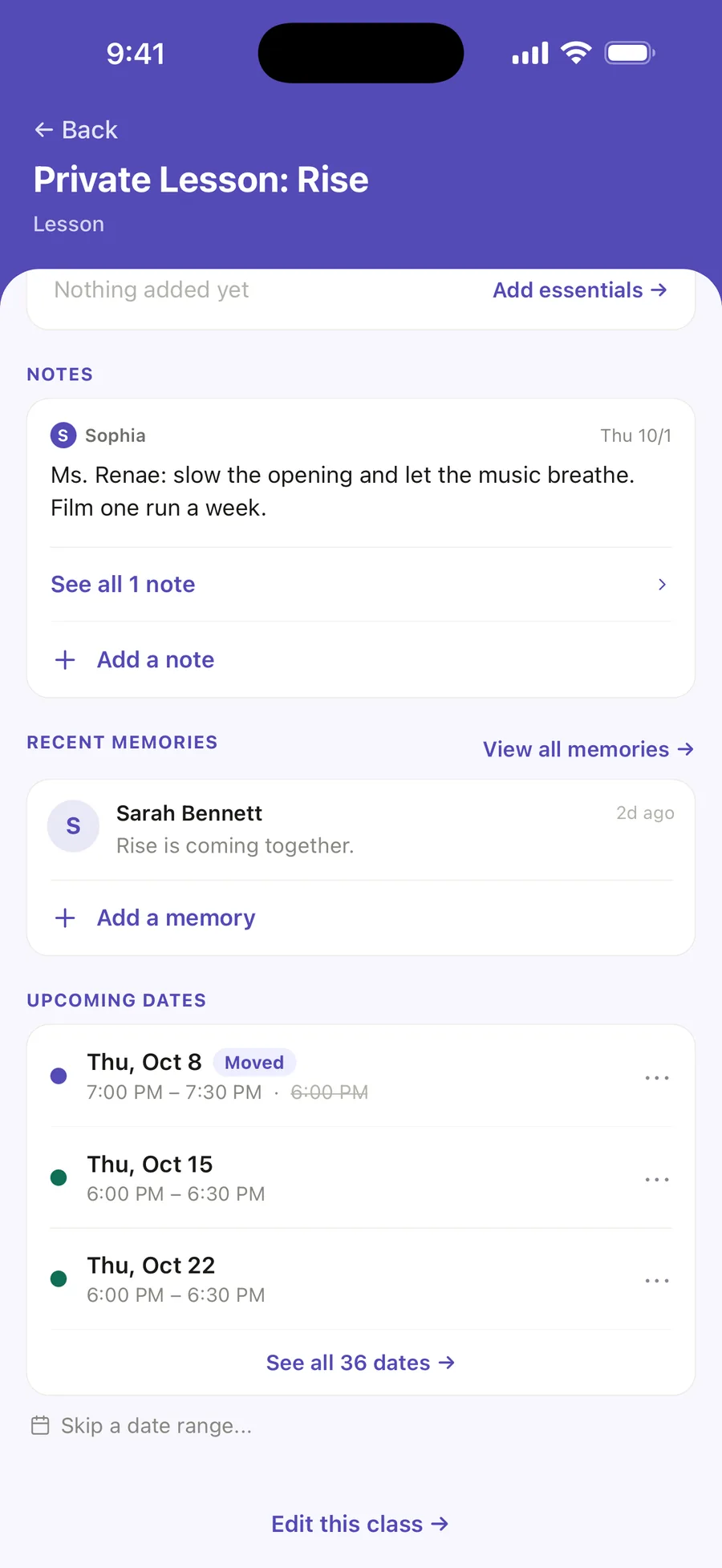
A routine’s page shows the next class preparing for it—here Rise’s private lesson on Thursday. The lesson keeps the teacher’s notes and its own memories, and this week it moves to 7:00 PM for that one day only. A rehearsal linked to the routine shows its choreography videos.
Sophia and Everly share the same calendar: Ovation keeps routines for each dancer in the family. See how a season gets built on the dance calendar.
COMPETITION HISTORY
Results stay with the routine.
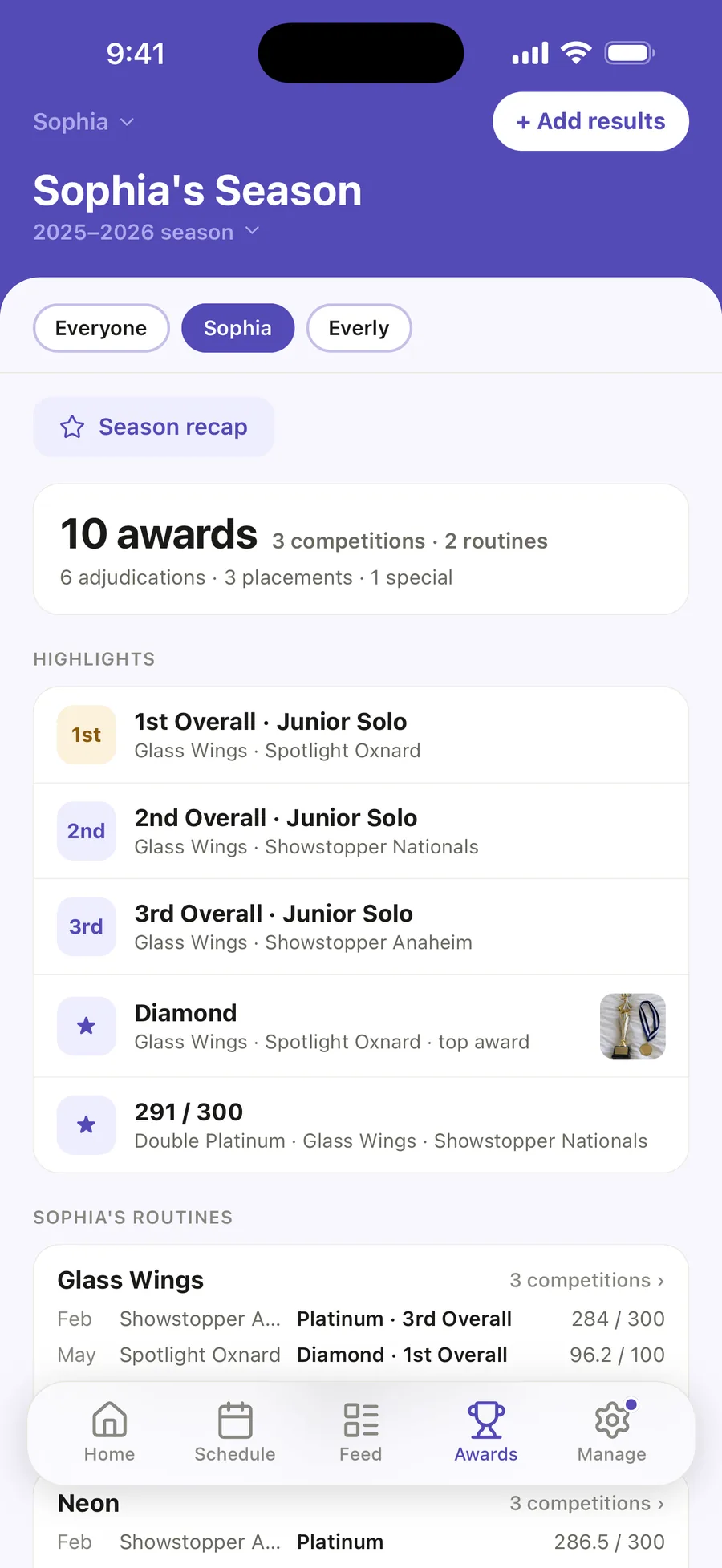
The Awards tab keeps each routine’s season of results, so you can look back at what it earned. Glass Wings, Sophia’s junior solo from the 2025–2026 season, still carries its three competitions and a 1st Overall.
3competitions
1stOverall, its best
2025–2026season
Competition weekends themselves—call times, entry numbers, and results—live in the dance competition app.
BUILT FOR THE WAY DANCE FAMILIES ACTUALLY WORK
The routine becomes the home for the whole season.
Check the complete look and the packing checklist before leaving home.
Keep competition results tied to the routine that earned them.
When competition weekend comes, the costume photo, hair instructions, shoes, packing list, choreography, and results already have a home.
Common questions
Questions dance parents ask about organizing routines.
-
What can I save for a dance routine in Ovation?
- Everything that belongs to that one routine: its look (costume, hair, makeup, shoes, accessories and notes, with photos), its packing list, its choreography videos and music links, its memories, and the results it earned.
-
Can the routine connect to my dancer’s schedule?
- Yes. Choose the routine when you add a rehearsal, and the class shows the routine’s choreography videos. The routine’s page shows the next class preparing for it.
-
Can I keep past routines and competition results?
- Yes. Routines are kept by season, and the Awards tab keeps each routine’s season of results, so past looks and results stay together.
-
Is the routine organizer only for solo dancers?
- No. A routine can be a solo, a duet or trio, a small or large group, and more—for each dancer in the same family.
-
Is the routine organizer free?
- Yes. Routines and looks, with photos, are on the free plan. Video in a look and choreography videos are part of Ovation Pro; music and other links are free on every plan.
ONE ROUTINE. ONE PLACE.
Spend less time searching for details and more time watching them dance.
Start with Ovation on iPhone. The routine hub is included in the free app.