Add another dancer
Add a brother or sister, and each dancer gets their own color, schedule, routines and awards in the same account.
- About 1 minute
Before you start
The free plan includes one dancer. Ovation Pro holds up to four, the most one account can have.
-
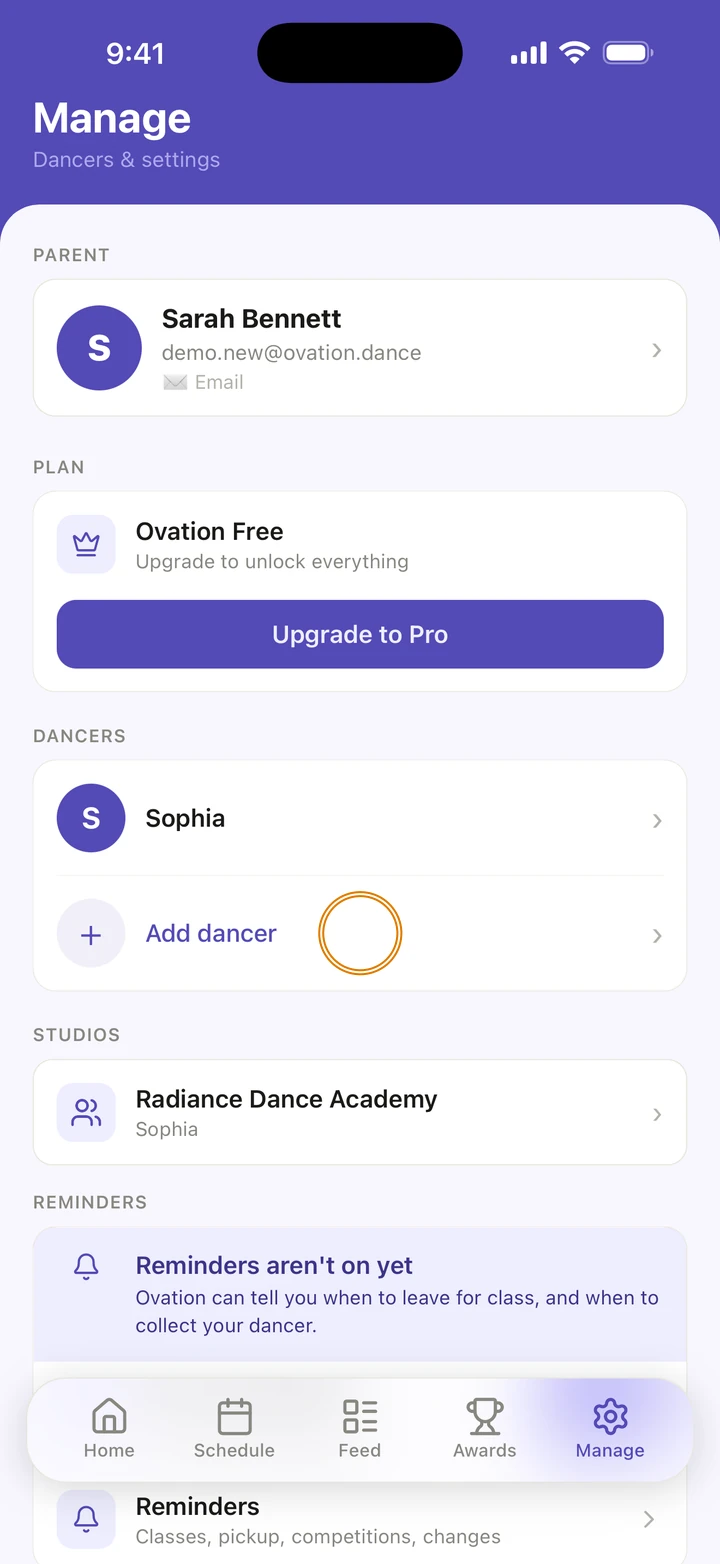
Go to Manage and, under DANCERS, tap Add dancer.
-
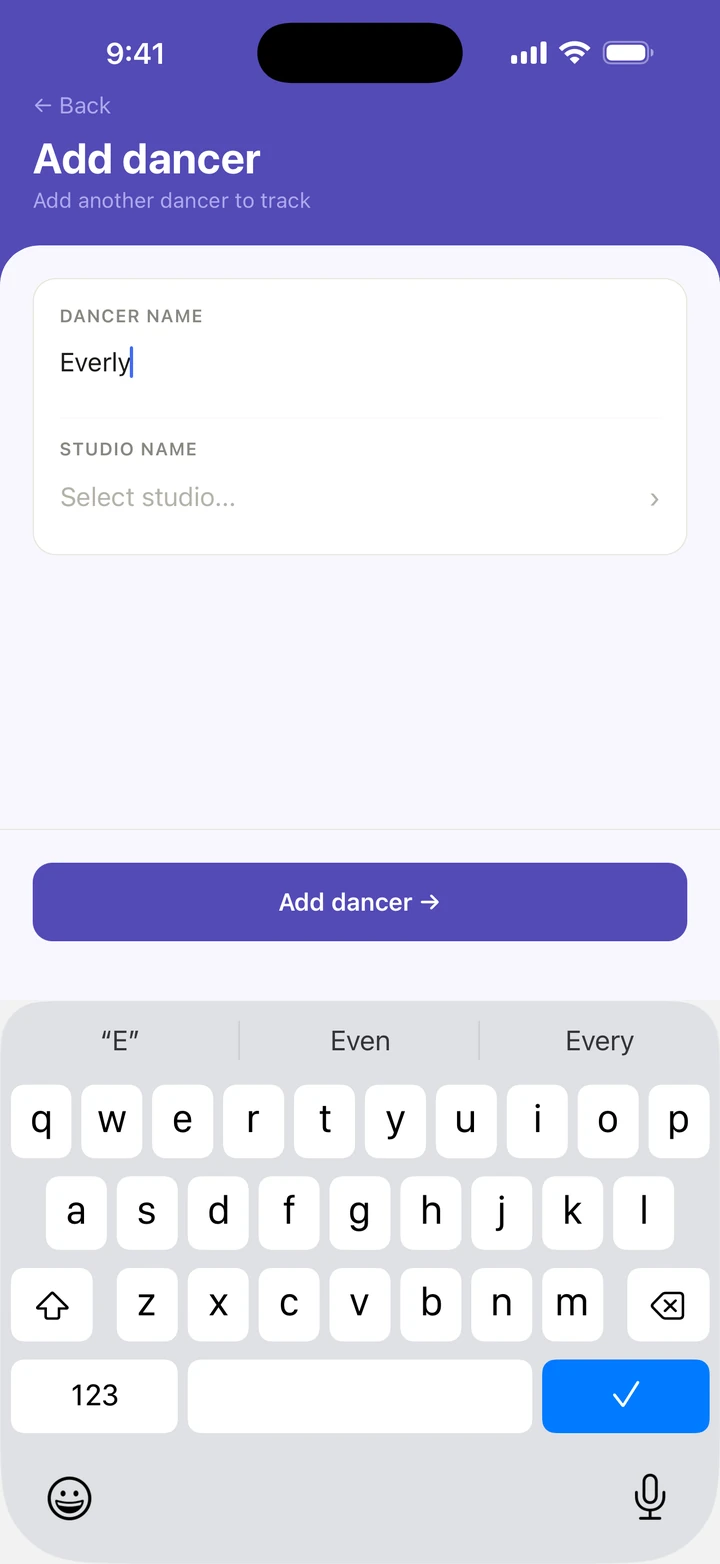
Under DANCER NAME, type their name.
-
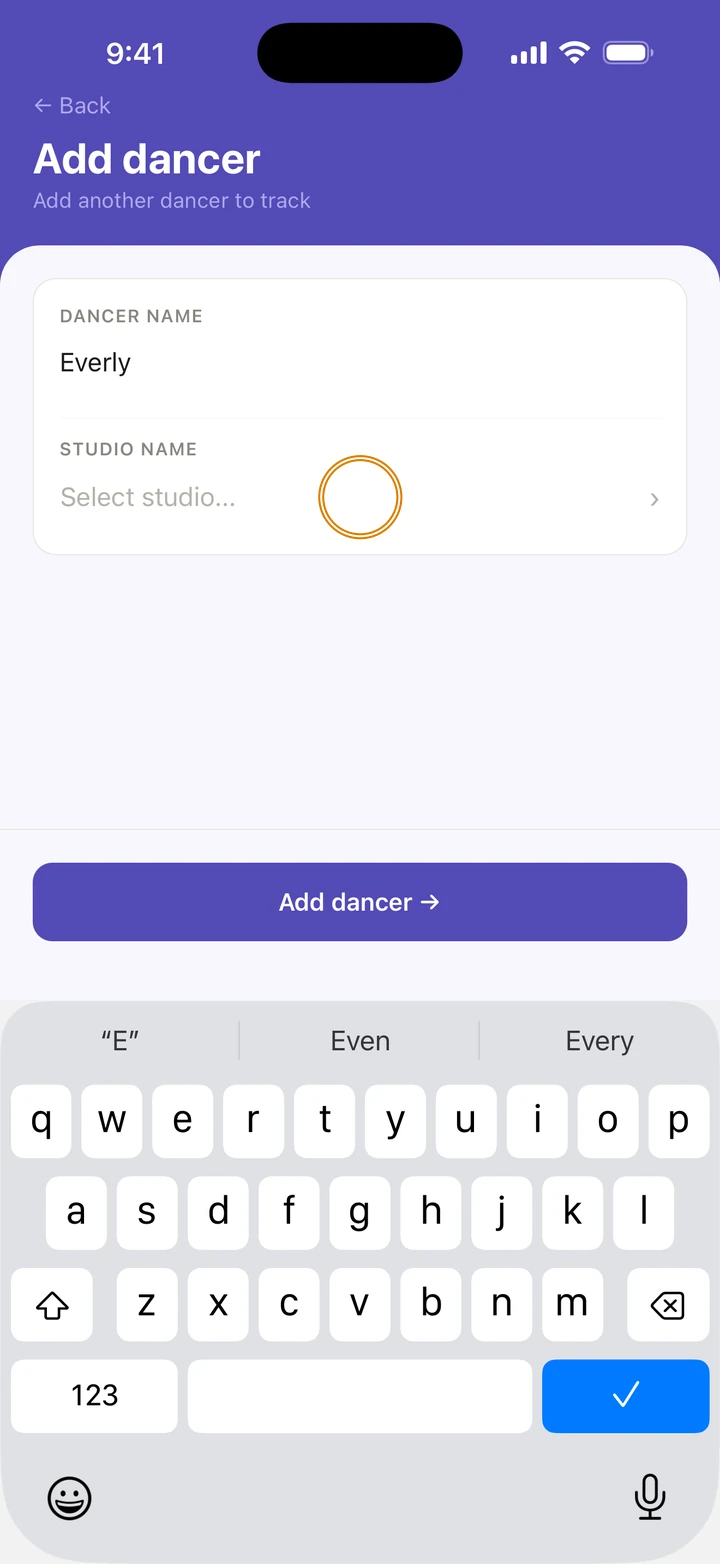
To set their home studio now, tap Select studio... and choose it. You can skip this.
-
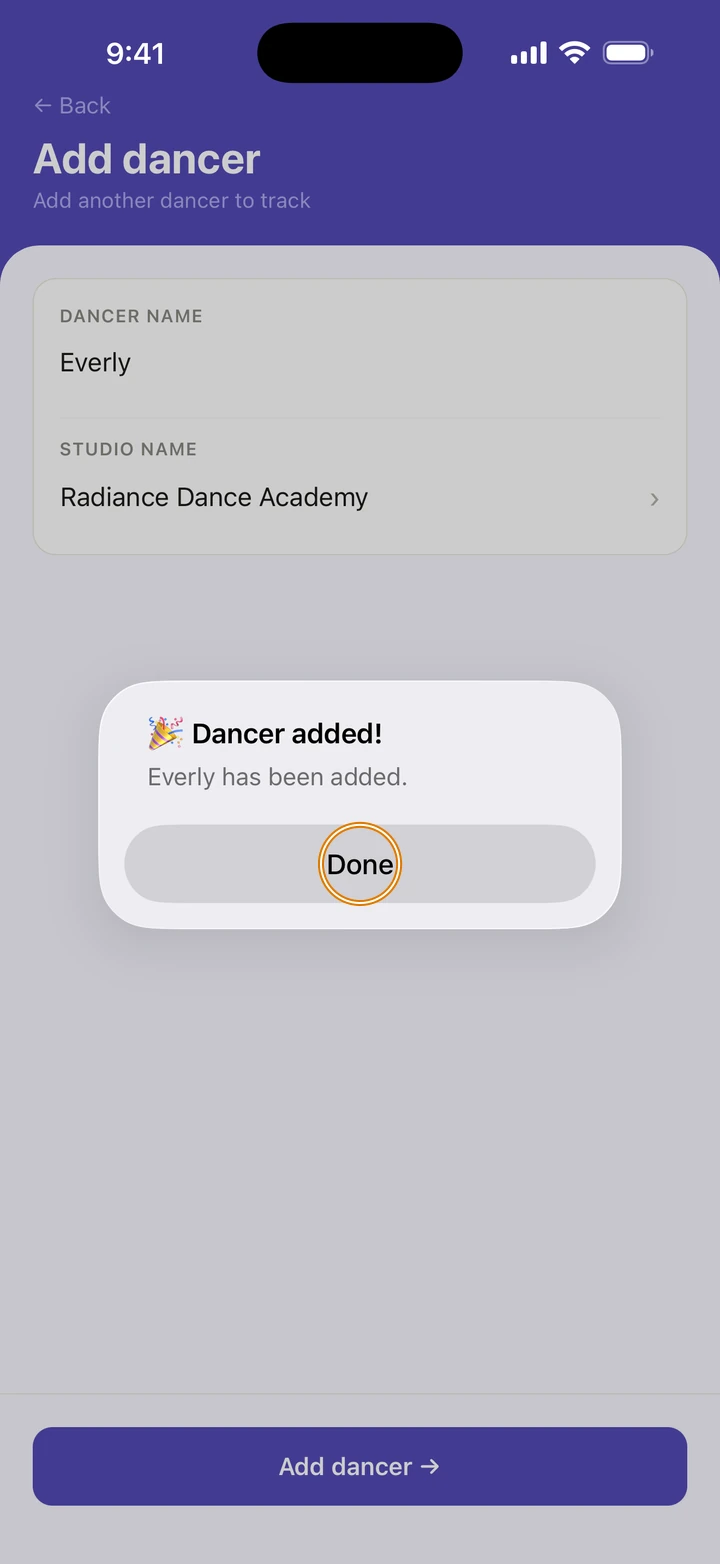
Tap Add dancer →, then Done.
Good to know
- Each dancer gets their own color, chosen for you.
- On the free plan, adding a second dancer opens Ovation Pro instead, and the dancer isn't added. After subscribing, tap Add dancer → again.
- To add their last name, age or the year they started dancing, tap their name under DANCERS and use PROFILE. Age asks for their birth month and year.
- Classes, routines, awards and their Journey are kept for each dancer. A class two dancers share is added once, with both of them in it.
If something goes wrong
- To remove a dancer, tap their name under DANCERS, then Remove Dancer, then Remove. This removes the dancer and all their data, and can't be undone.
- For anything else, go to Manage → Get help. A real person reads every message.
Related
Checked on Ovation 1.1.5