Save photos and videos as memories
Save the photos and videos from class, rehearsals and competition day as memories, tagged with your dancer, the competition and the routine.
- About 2 minutes
Before you start
A memory holds up to 12 photos, or one video up to 5 minutes long. Video is part of Ovation Pro. Each competition holds up to 20 photos, and the free plan keeps 50 photos a season; Ovation Pro has no season limit.
-
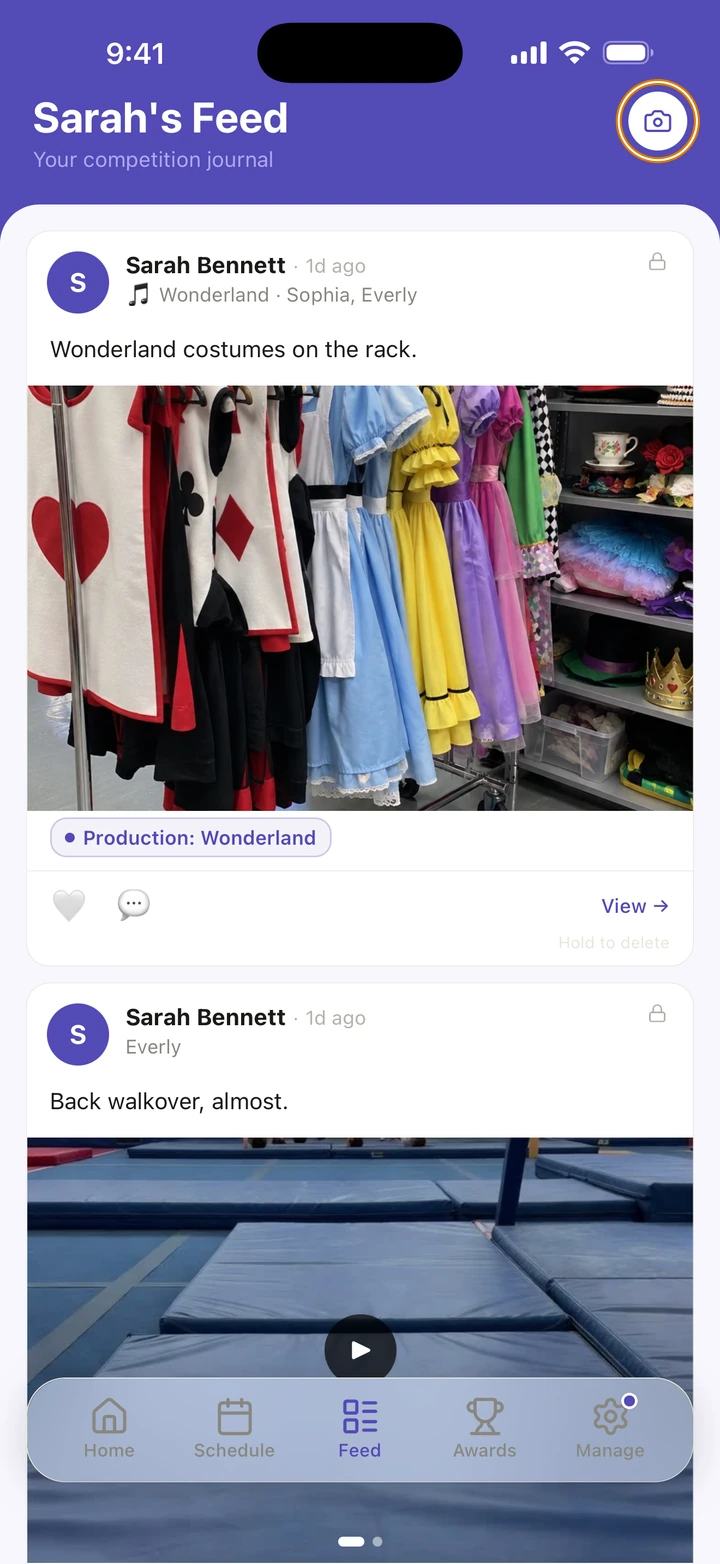
On the Feed tab, tap the camera at the top right to start a New Memory.
-
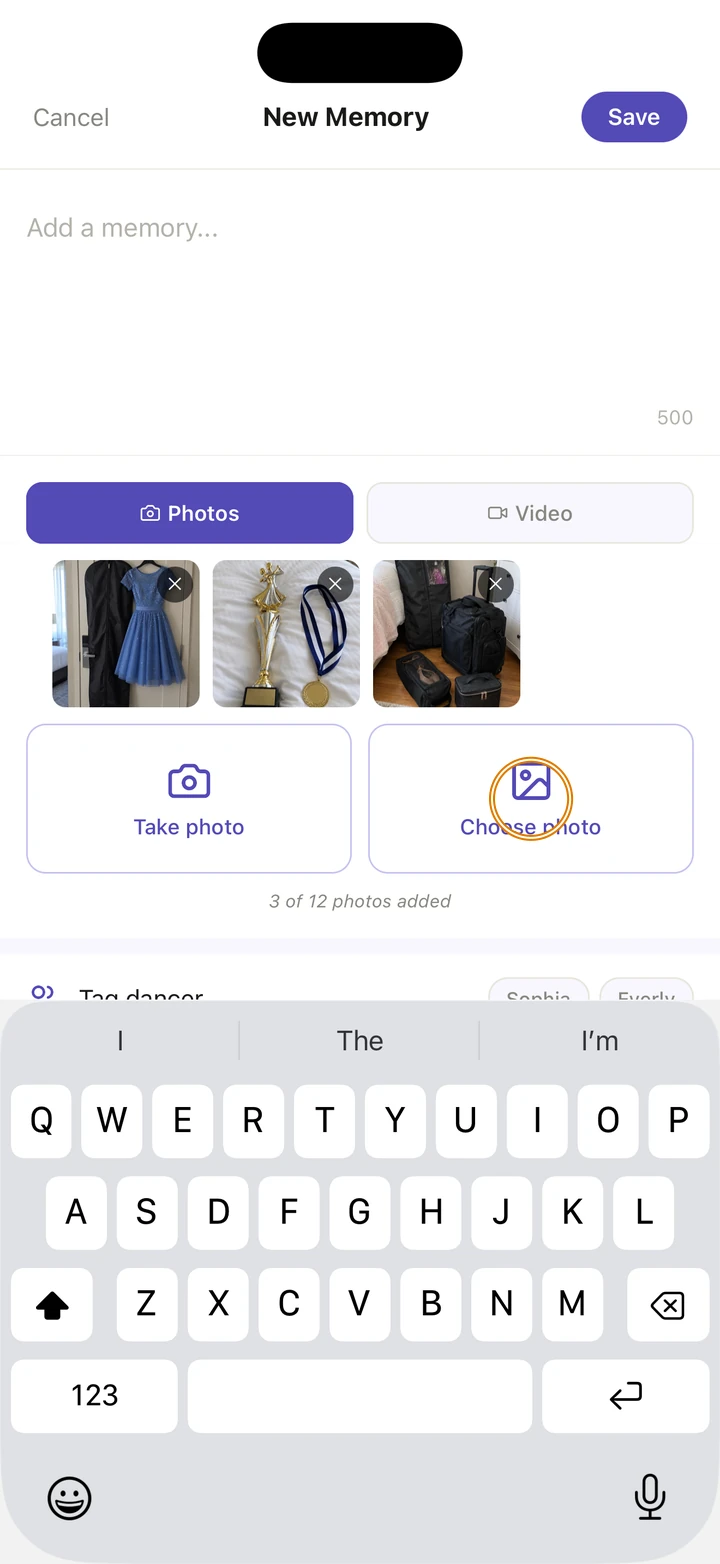
For photos, tap Choose photo or Take photo, as many times as you like up to 12. For a video, tap Video, then Choose video or Record video.
-
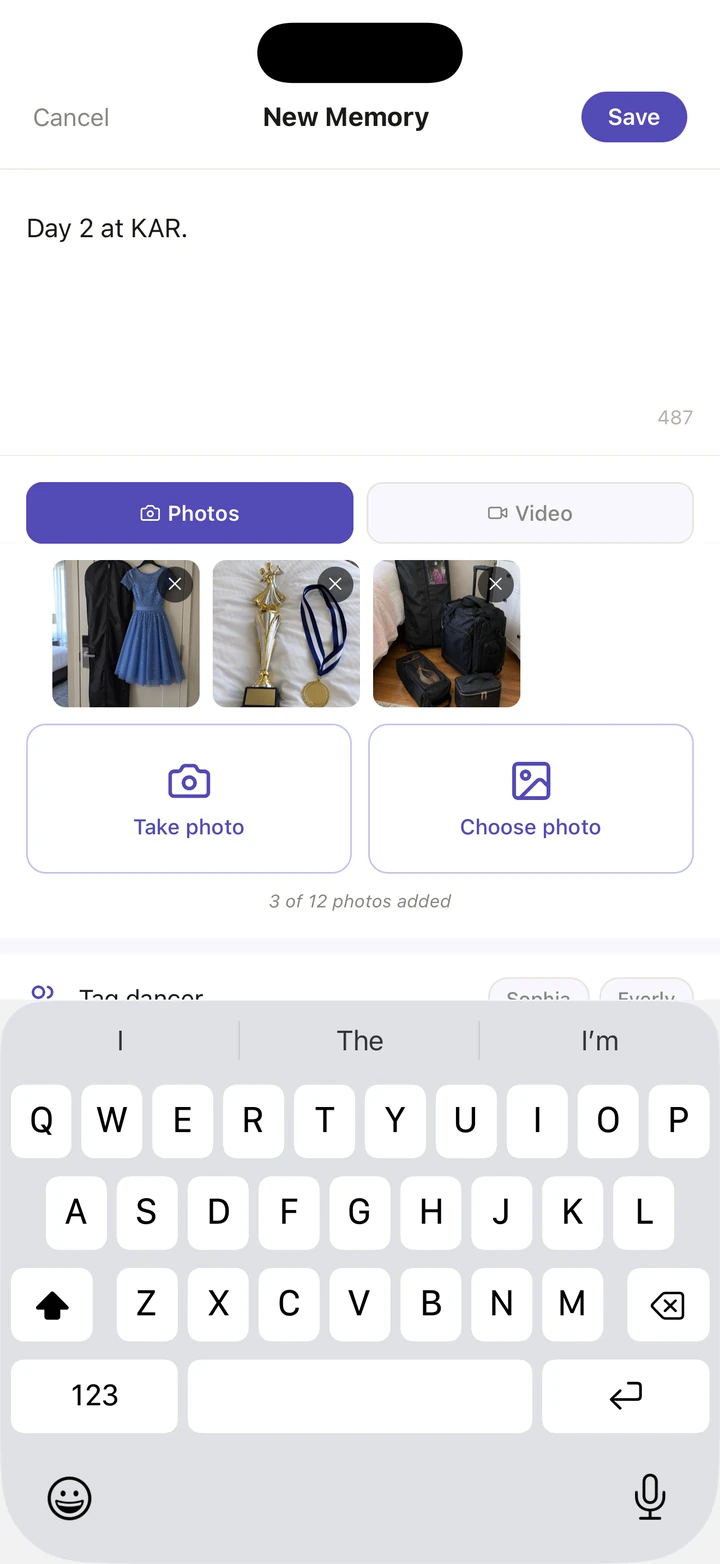
Write a few words about it, if you like.
-
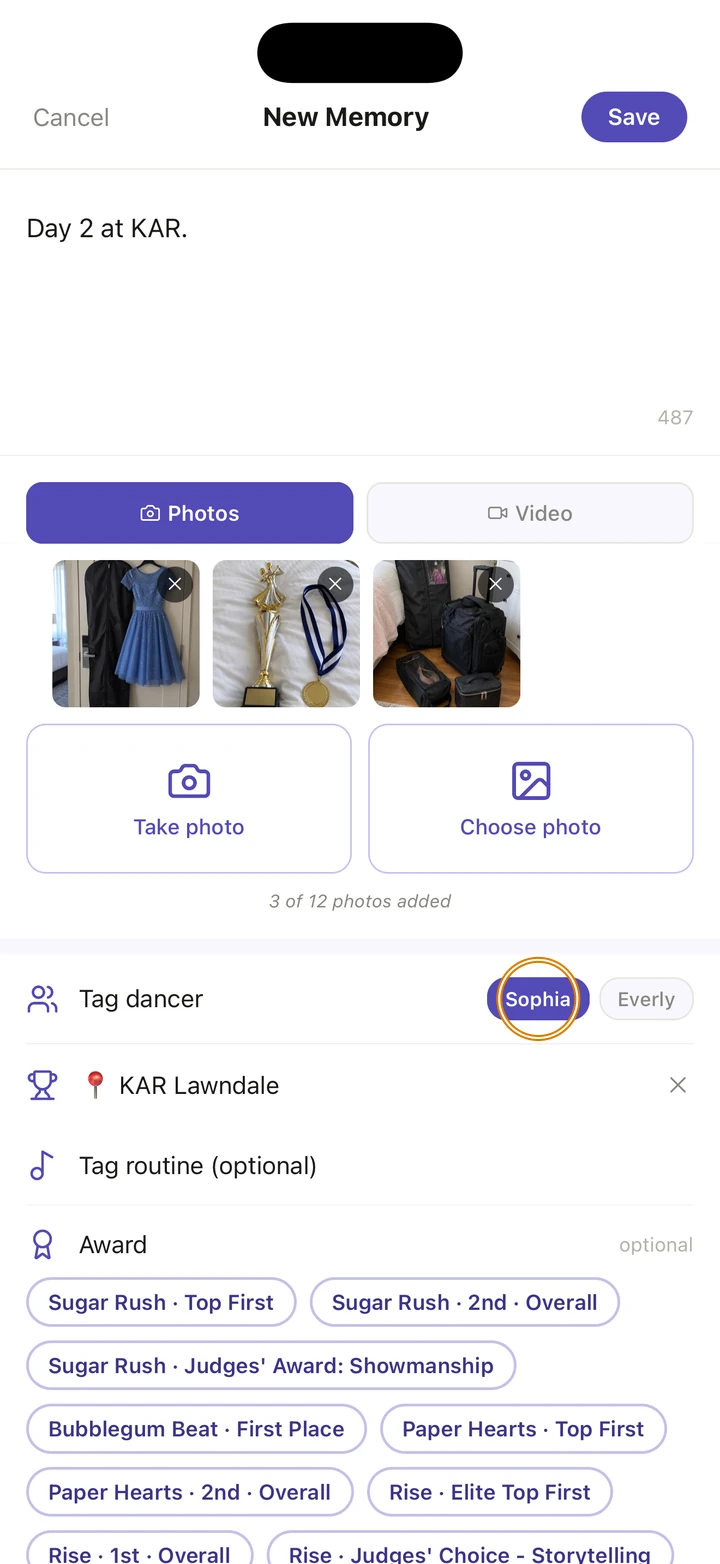
Under Tag dancer, tap who is in it.
-
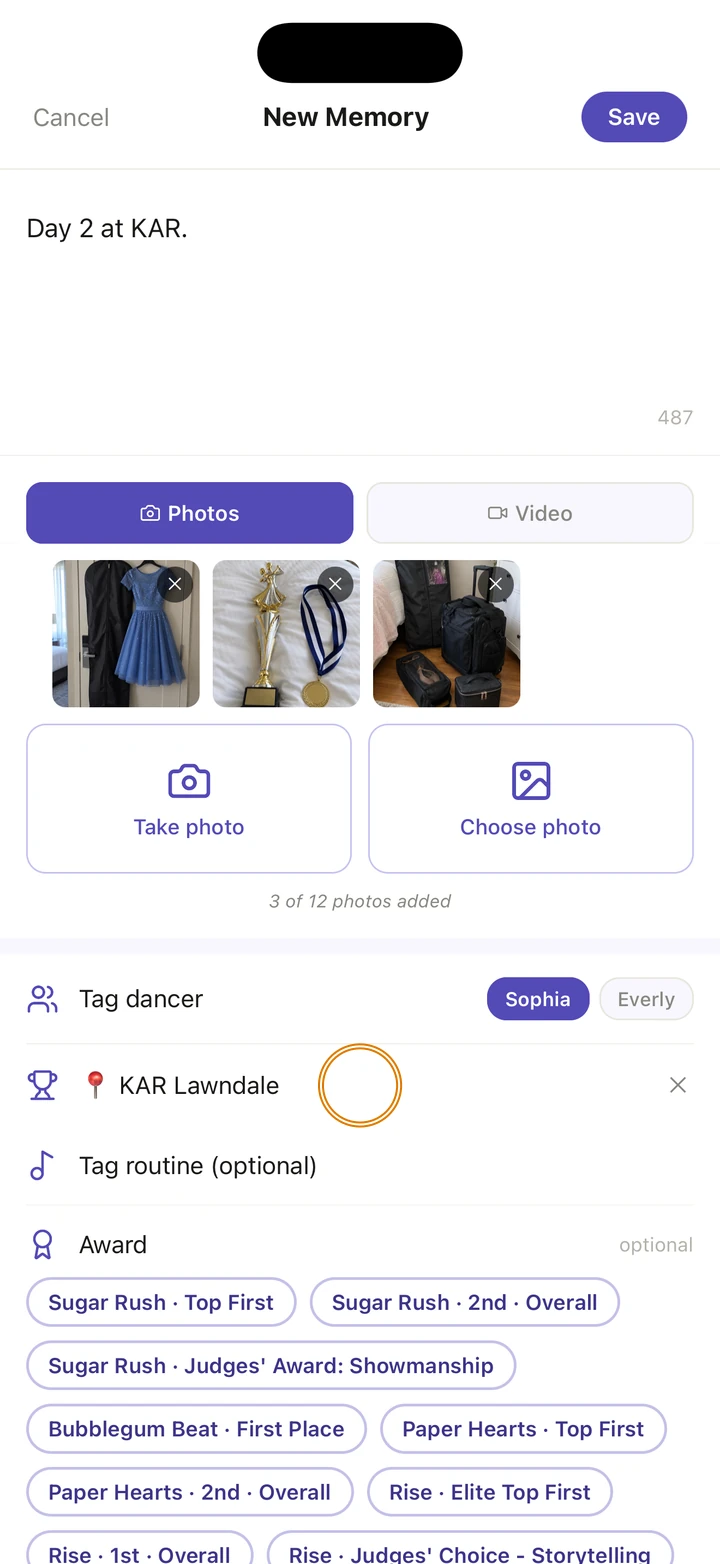
To keep it with a competition or a routine, tap Tag competition (optional) or Tag routine (optional) and choose one.
-
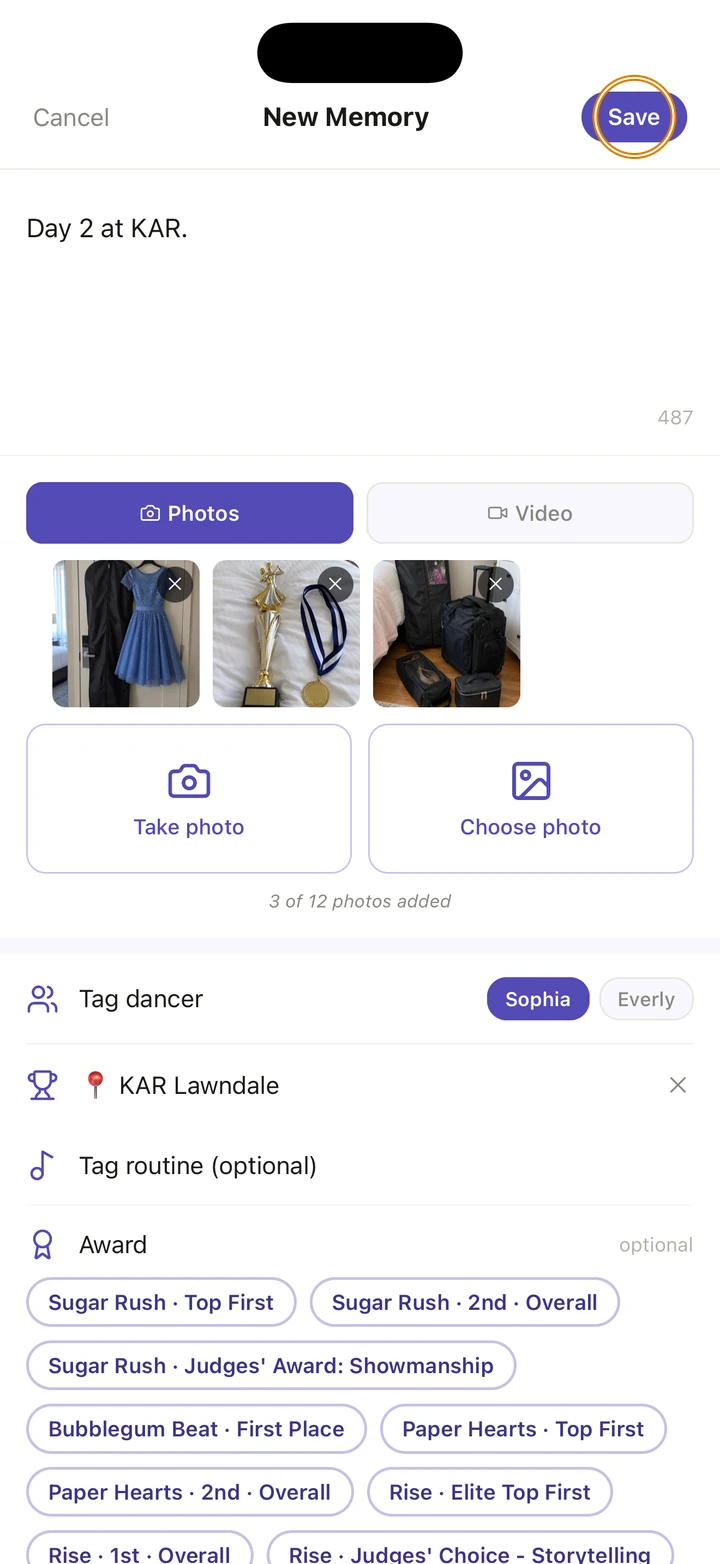
Tap Save.
Good to know
- A memory is either photos or one video. Switching between Photos and Video clears what you had picked.
- You can tag a routine once one dancer is tagged.
- A memory tagged with a routine shows on that routine under MEMORIES. One tagged with a competition shows on its Memories tab, which counts the photos it holds, for example 8 of 20 memories.
- You can also start a memory from a competition's Memories tab, a routine's MEMORIES, a result card or a class.
- After saving, a memory's words, dancers, competition and routine can't be changed. You can still add award tags to it.
- To delete a memory, touch and hold it on the Feed tab, then tap Delete.
If something goes wrong
- If Ovation says Photo limit reached, that competition already holds 20 photos. Delete one to add another.
- On the free plan, saving more than 50 photos in a season opens Ovation Pro instead.
- For anything else, go to Manage → Get help. A real person reads every message.
Related
Checked on Ovation 1.1.5